
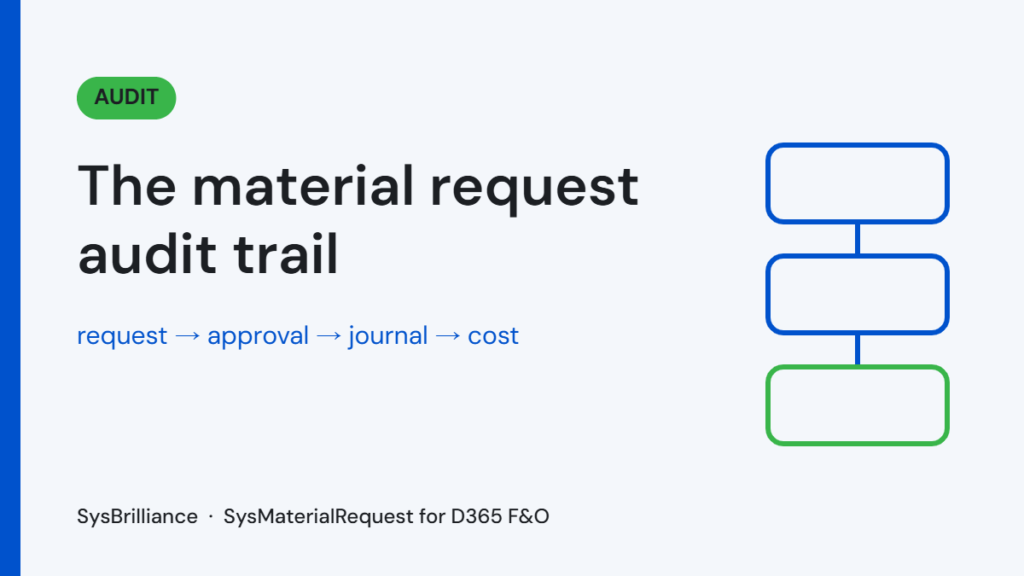

A material request audit trail is the chain that links every material issued on a project to its request, approval, inventory journal and cost. In construction and contracting, it’s your evidence in a claim, a back-charge or an audit. Informal requests by WhatsApp or email don’t provide it.
Why the material request audit trail matters
In construction and contracting, disputes come with the territory. A client challenges a variation. A subcontractor claims extra costs. An insurance event needs proof of what was on site. An internal audit asks whether materials charged to a project were really used there.
In each case, the business needs evidence: not a summary report or someone’s memory, but formal, time-stamped records of what was requested, by whom, who approved it and what was issued. With informal requests, you don’t have evidence. You have noise.
What an auditor or arbitrator needs to see
To support a cost, the business usually has to show four things:
- There was a real need. A formal request shows who needed them, for which project or contract item, and when.
- Someone with authority approved it. An approval record shows who approved it, on what date and under what authority. Verbal approvals and email replies often fall short.
- The warehouse issued the materials. An inventory transaction confirms what left the warehouse, how much, when and to which location.
- The cost reached the right project. You can trace the cost from the movement to the project or contract it was charged to.
An unbroken chain from request to ledger entry is the standard. Without it, a business may have genuinely incurred a cost and still be unable to prove it.
Where a missing trail gets expensive
Claim recovery
A contractor claims extra materials used because of client-instructed variations. The client challenges the claim. The evidence is a mix of purchase invoices, warehouse receipts and partial emails, with nothing tying specific materials to specific variations. The contractor recovers some line items and writes off the rest.
Subcontractor back-charges
A subcontractor caused extra material use, and the business wants to recover the cost. Without a record of what was requested, approved and issued against the subcontractor’s scope, the back-charge is disputed.
Insurance events
A fire, flood or theft on site leads to a claim for lost materials. The insurer asks what was on site. Nobody kept the informal records systematically, so the insurer challenges part of the claim.
Internal investigations
Stock appears to have left the warehouse, but nobody can match it to any project. Without request records, there’s no way to tell whether the movements were legitimate, mistaken or something worse.
Why WhatsApp and email records don't protect you
When a business finds it needs a trail it doesn’t have, the first instinct is to rebuild one from chats and emails. That rarely works:
- They’re conversations, not logs. Finding every message about one project in one period means searching many accounts by hand.
- They’re easy to challenge. “I need 50 units of X” in an email isn’t an authorized procurement action. A workflow approval with a name and timestamp is.
- People leave. On a multi-year project, the people who held the messages may no longer work for you.
What a complete trail looks like in D365
When every request lives in D365 F&O, the trail already exists:
- The request: who created it, when, for which project and items
- The approval: who approved, returned or rejected it, with comments and timestamps from the D365 workflow history
- The issue: what was issued, in what quantity and when
- The journal: which inventory or project item journal posted the cost, with a reference back to the request
There’s nothing to rebuild and no reliance on memory. Moreover, a visible trail discourages the informal shortcuts that cause audit problems in the first place.
This trail is one of the seven characteristics of a good process, described in our guide to site material requests in D365. It also closes one of the gaps behind month-end project cost reconciliation.
A test you can run today
Pick a project you completed in the last 12 months. Try to rebuild its full material request history: every item issued, the request behind each issue and the approval that authorized it.
If you can do it in under an hour from D365 records alone, your process works. If you can’t, the question isn’t whether a missing trail will cost you. It’s when, and how much.
How SysMaterialRequest builds the trail for you
In SysMaterialRequest, every issue starts with a request, goes through D365 workflow and ends in a journal that carries a reference to the original request. So the chain from request to approval, issue, journal and ledger entry stays traceable both ways, which gives you evidence ready for a dispute or an audit.
Frequently asked questions
What is a material request audit trail?
It’s the record that links an issued material to its request, approval, inventory transaction and project cost. It shows who asked for what, who approved it, what was issued and where the cost went.
Are WhatsApp messages valid evidence in a dispute?
You can use them, but they’re weak. They’re hard to search, easy to challenge and often incomplete. A formal approval in the ERP, with names and timestamps, carries much more weight.
Does D365 keep approval history?
Yes. D365 workflow records each step, including who approved, rejected or returned a document, with comments and dates. A material request process uses that same history.
How far back should we be able to trace material requests?
At least for the life of the project plus its claims and warranty period. Since the records live in D365, they stay available as long as you retain your data.
Be ready before the dispute
Bring a past project and a few material issues. We’ll show you how the full trail would look in Dynamics 365. Book a SysMaterialRequest demo.