
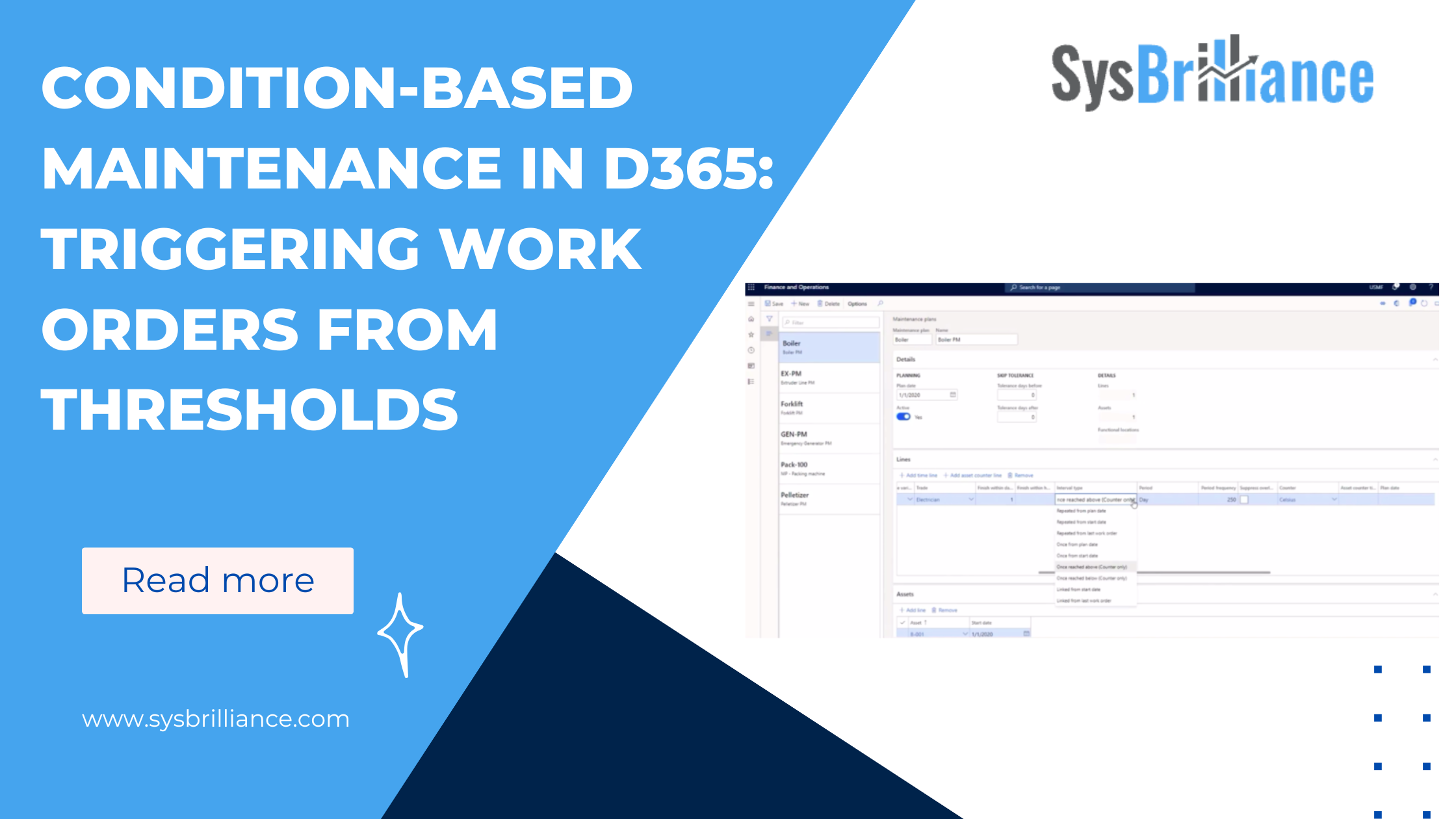
Not all maintenance decisions benefit from forecasting. In some cases, the right response is immediate action when a specific condition is met.
Condition-based maintenance in D365 Asset Management is designed for those scenarios. Instead of estimating when maintenance might be needed, the system reacts when a defined threshold is crossed. When used correctly, this approach removes guesswork while avoiding alert noise and duplicate work.
How Condition-Based Maintenance Works
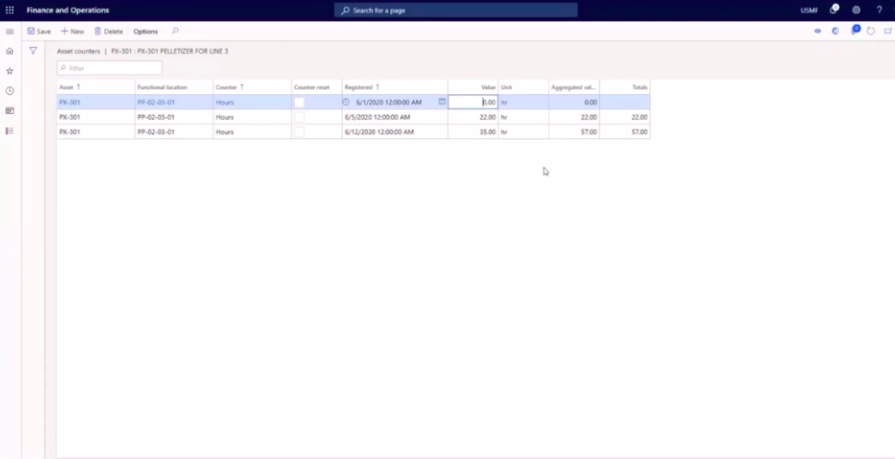
Condition-based maintenance in D365 relies on asset counters and defined trigger conditions.
A counter represents a measurable attribute such as temperature, pressure, or runtime. A maintenance plan defines a threshold for that counter. When the registered value crosses the threshold, D365 evaluates whether maintenance should be created and how it should be planned within a structured maintenance schedule in Dynamics 365.
Until that threshold is reached, nothing happens.
This behavior is intentional. The system is not monitoring for trends or projections. It is waiting for a specific condition to occur.
Defining a Trigger Condition
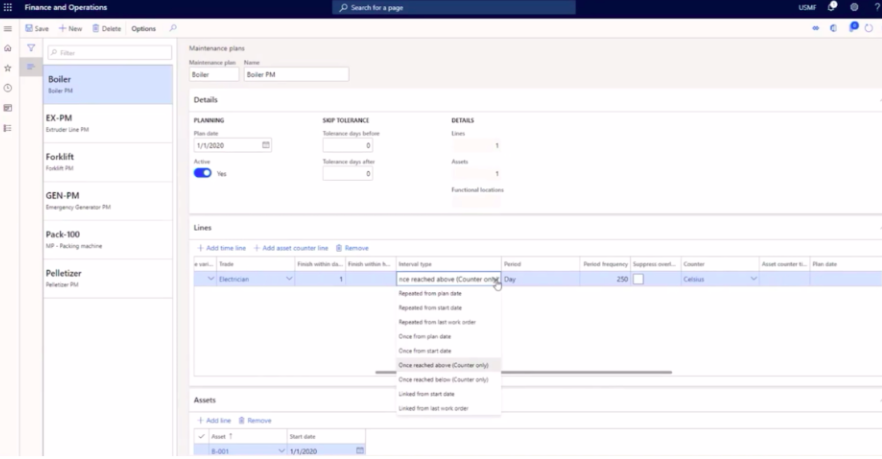
Trigger conditions are defined within maintenance plans using counter-based lines.
Each condition specifies:
- Which counter is evaluated
- The threshold value
- Whether maintenance is triggered when the value is reached or exceeded
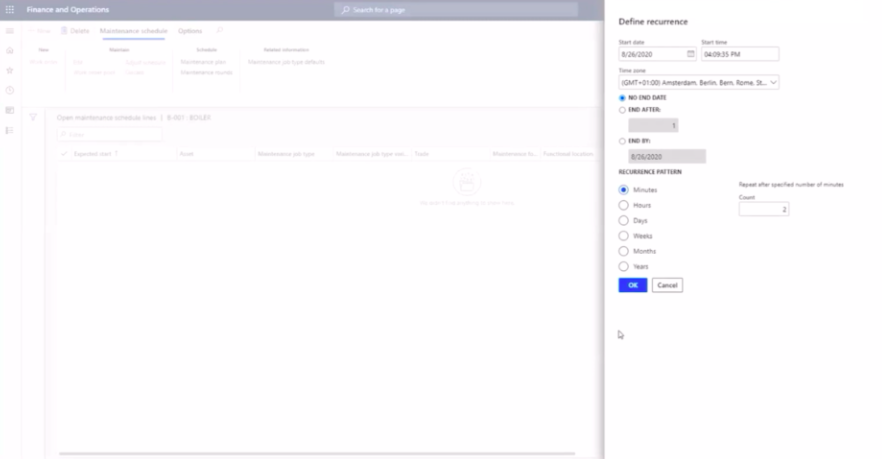
- How often the system should evaluate the condition
These rules exist before any event occurs. When a condition is met, the system responds based on that predefined logic.
This structure makes condition based maintenance predictable and transparent. There is no interpretation or forecasting involved.
When the Threshold Is Crossed
Once a registered counter value exceeds the defined threshold, D365 evaluates the condition during the scheduling process.
At this point, the system does not send a notification or raise an alert. It checks whether maintenance already exists for the asset and determines whether a new work order should be created.
This evaluation step is what separates condition based maintenance from simple alerting systems or basic condition based maintenance software that relies on notifications alone.
Automatic Work Order Creation
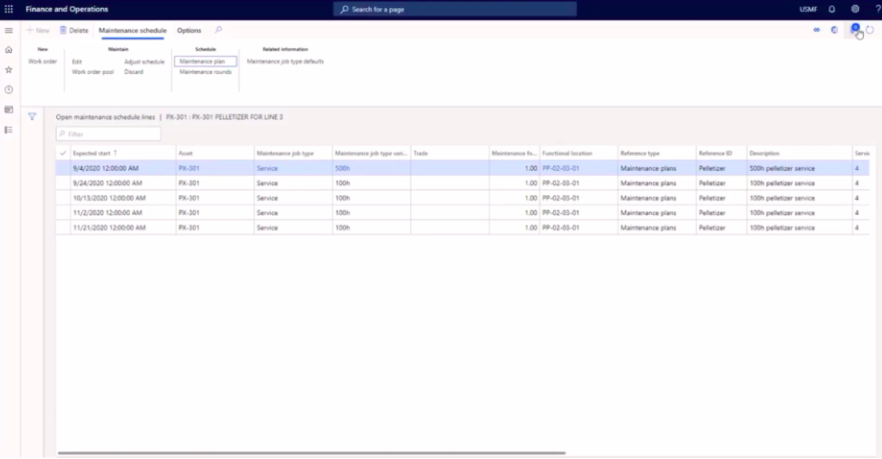
If the condition is met and no relevant work order is already open, D365 automatically creates a work order.
The work order is tied directly to:
- The asset
- The maintenance plan
- The triggering condition
From the maintenance team’s perspective, the result is clear. A work order appears because a defined condition was reached, not because someone noticed an issue or reviewed a report.
Avoiding Duplicate Work Orders
One of the most important behaviors in condition-based maintenance is what happens next.
If the same condition remains true while a work order is already open, D365 does not create another one. The system recognizes that maintenance is already in progress and suppresses duplicates.
This prevents:
- Alert fatigue
- Multiple work orders for the same issue
- Manual cleanup after repeated threshold checks
This behavior allows condition based maintenance to scale without overwhelming maintenance teams or degrading the broader asset management process.
Where Condition-Based Maintenance Fits Best
Condition-based maintenance works best when:
- A specific threshold represents meaningful risk
- Immediate action is required once that threshold is crossed
- Forecasting adds little value compared to direct triggers
Common examples include:
- Temperature limits
- Pressure thresholds
- Safety-related conditions
- Regulatory limits
In these cases, waiting for a forecasted maintenance date can introduce unnecessary risk.
Condition-Based vs Predictive Maintenance
While predictive maintenance focuses on forecasting future work based on usage trends, condition-based maintenance focuses on direct triggers.
Both approaches rely on counters, but they answer different questions:
- Predictive maintenance asks when maintenance is likely to be needed
- Condition-based maintenance asks whether maintenance is needed right now
Understanding the difference helps teams choose the right model for each asset and failure mode within a broader asset management strategy.
Using Condition-Based Maintenance Without Creating Noise
Condition-based maintenance delivers value when thresholds are meaningful and triggers are intentional. SysBrilliance helps organizations define counter conditions, suppression logic, and trigger strategies in D365 so maintenance reacts when it should, without overwhelming teams with duplicate work orders or unnecessary alerts.
Using Condition-Based Maintenance Intentionally
Condition-based maintenance is most effective when conditions are clearly defined and tied to meaningful outcomes.
When thresholds are chosen carefully, D365 becomes a system that reacts appropriately without constant supervision. When conditions are poorly defined, the system either overreacts or stays silent when it should not.
The value comes from intentional design, not from adding more conditions.
Condition-based maintenance only works when the triggers behind it are set up with purpose. If you want to build smarter threshold logic, reduce unnecessary work orders, and make D365 respond the way it should, contact SysBrilliance to get started.